Restaurants
Courses, sides and the Sunday specials, in the order you want them read. Change a price between services and the next table to scan sees it.
Digital menus for restaurants
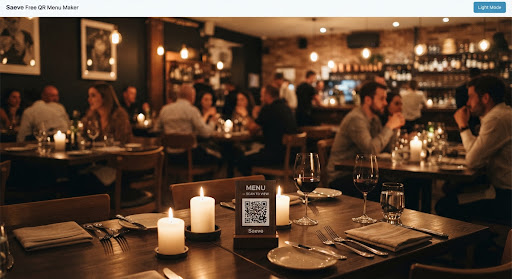
Turn your menu into a seamless digital experience, design a QR code that looks like it belongs to your restaurant, beautifully branded, instantly accessible, and effortlessly updated.
categories, dishes and photos
No cap on sections, on what goes in them, or on the photos each dish carries.
$0
and no card to start
A free tier that is not a trial — no clock running, nothing to cancel.
100%
built for a phone
The menu your diners read and the editor you run it from, thumb-first on any screen.
0s
before a change is live
Save a price and the next table to scan already reads it.
Who it's for
If your customers read a menu before they order, this fits — whatever shape the room takes, and however often the prices move.
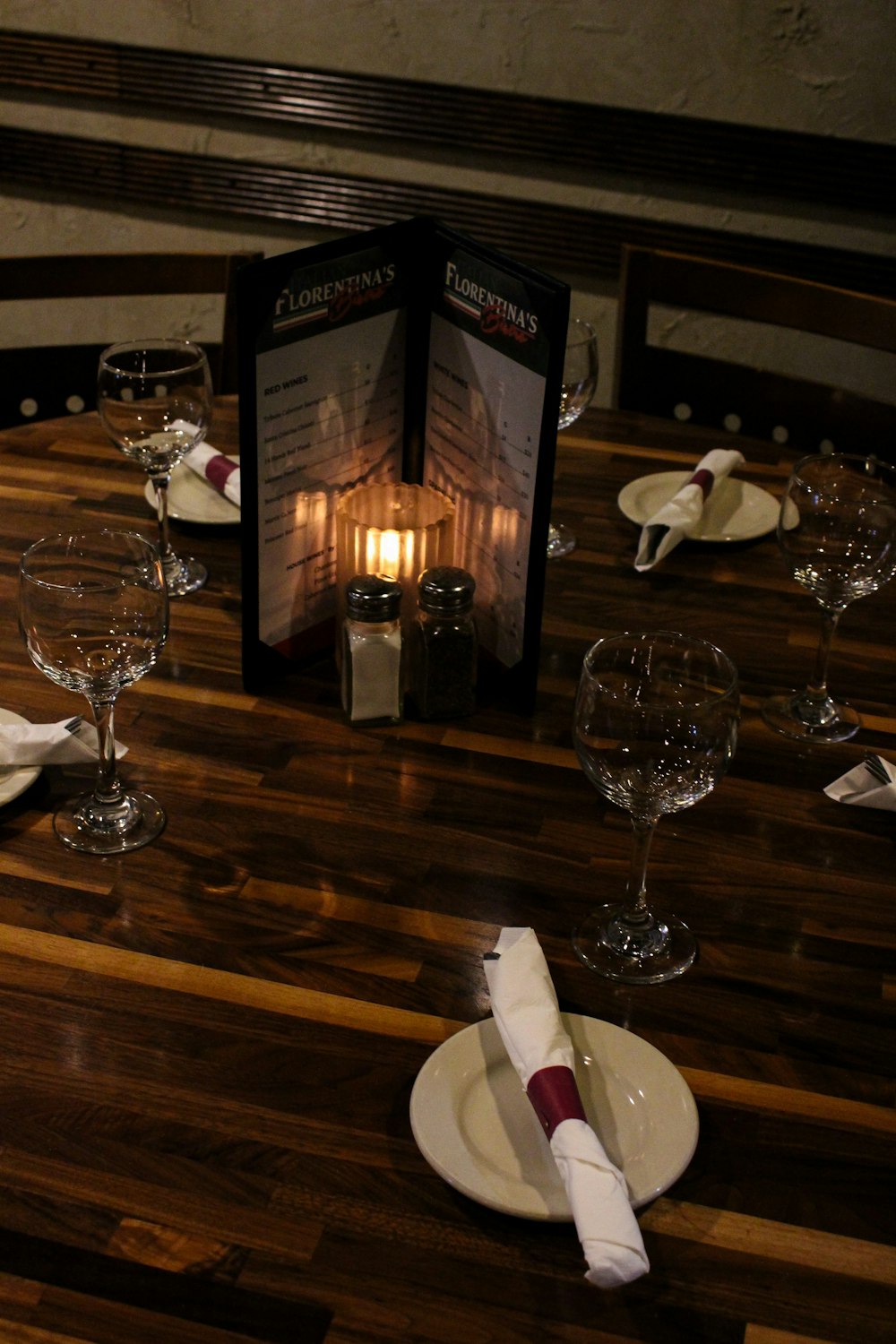
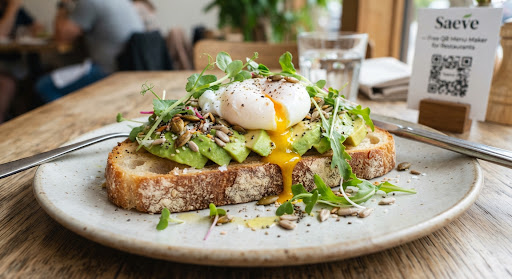
Courses, sides and the Sunday specials, in the order you want them read. Change a price between services and the next table to scan sees it.
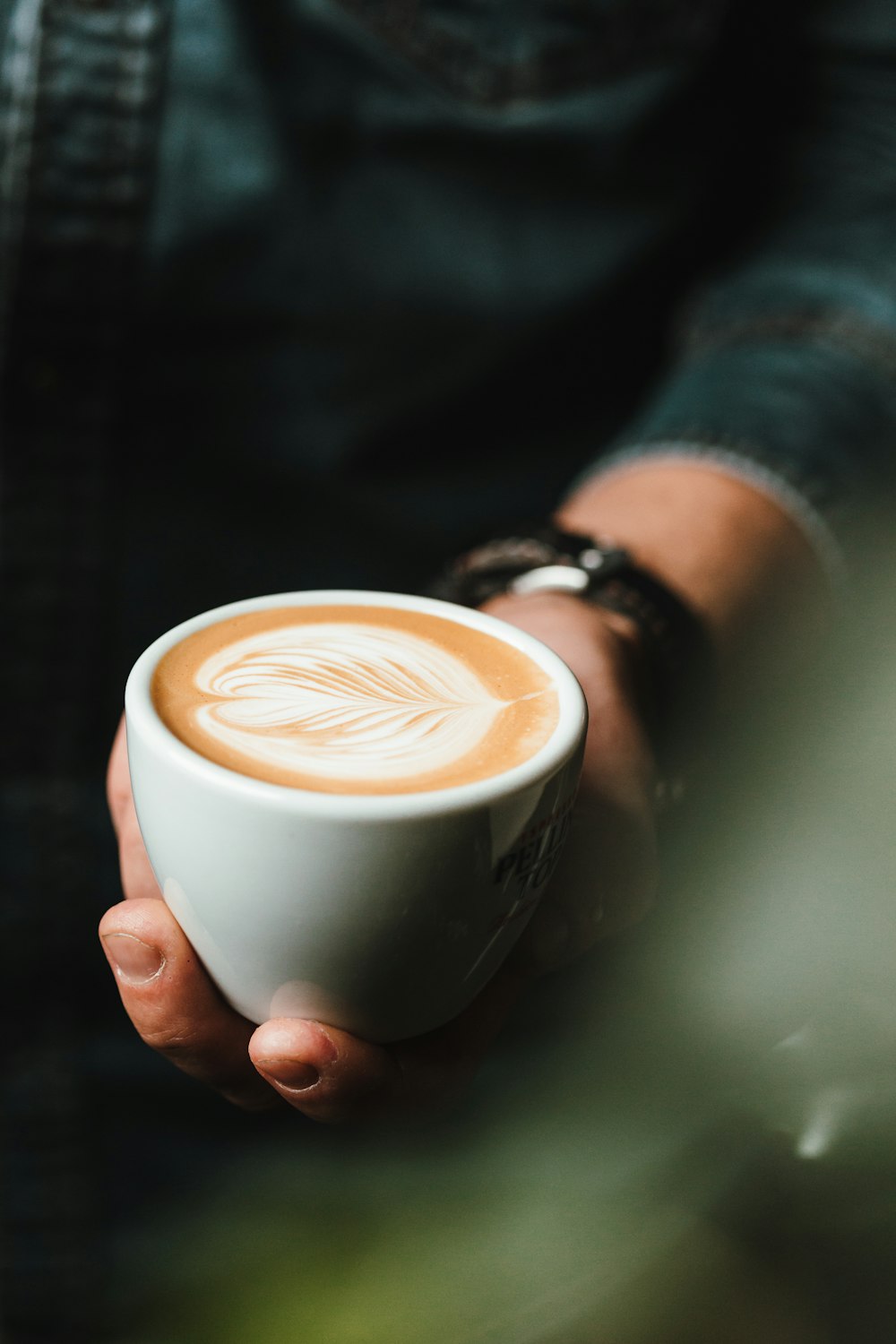
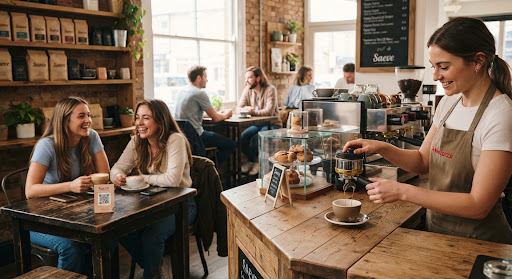
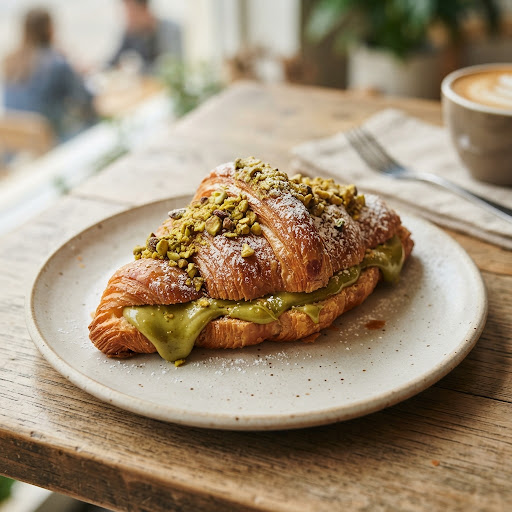
A short menu that changes constantly. Add today's bakes from a phone behind the counter, and switch off what has sold out without deleting it.
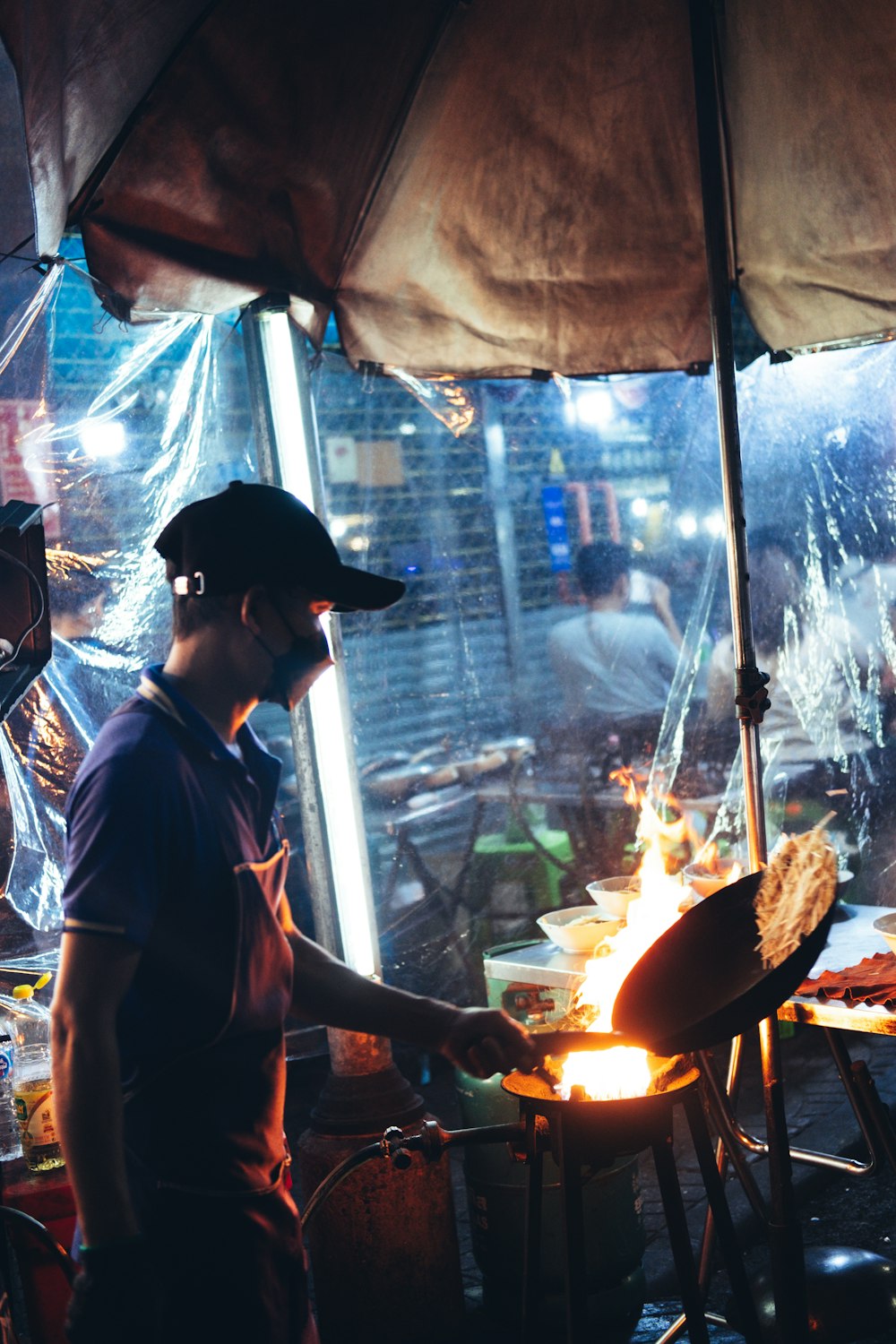
Every stall is its own restaurant with its own menu, its own code and its own people editing it — from a single account you keep control of.
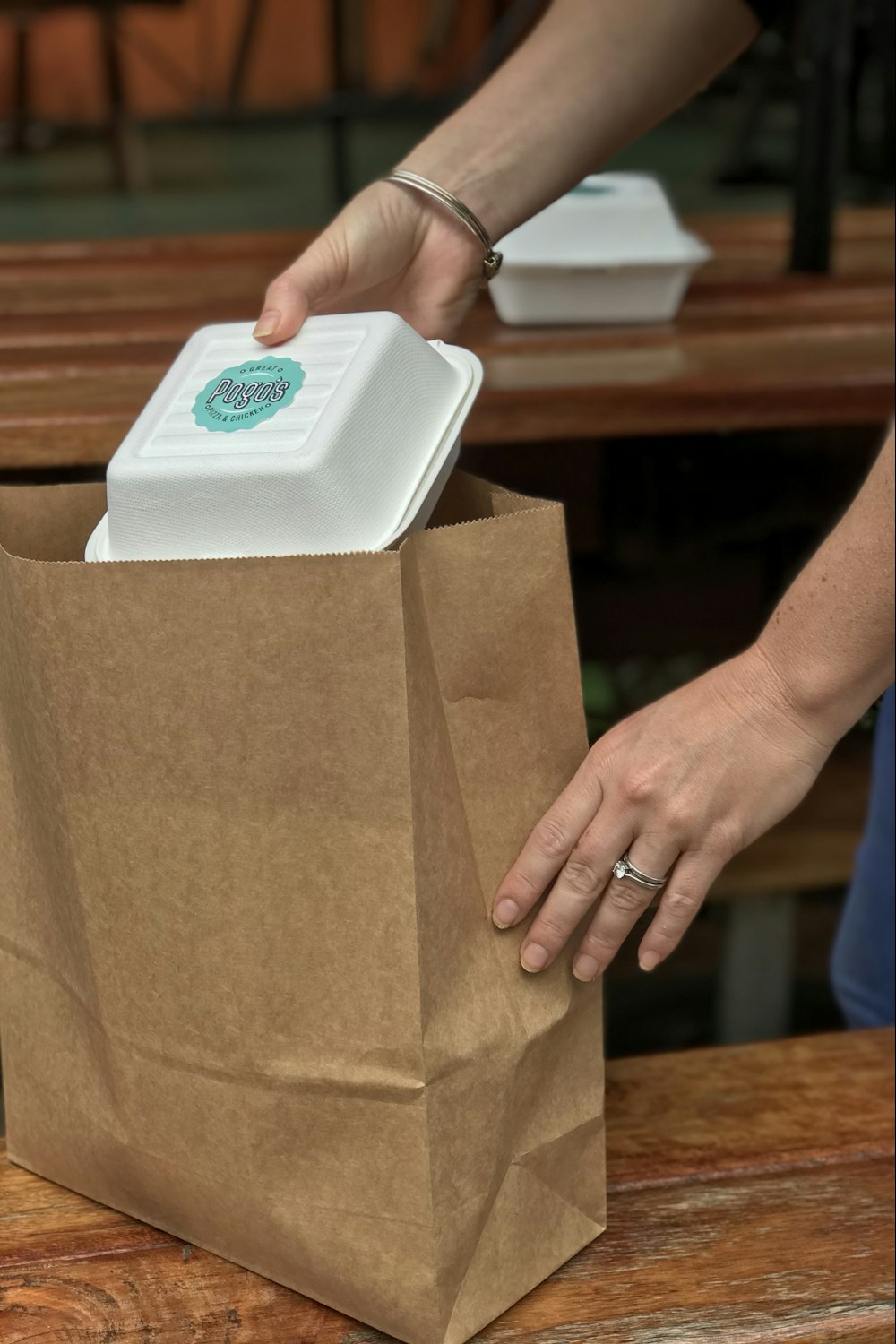
No dining room to stand a table tent in. The same link works in a bio, on a flyer, or as a sticker on the box that goes out the door.
How it works
The work is at the start. After that a menu change is a text field and a save button — nothing to re-export, re-upload or email to anyone.
Add categories, then dishes — name, description, price, photos and labels. Drag them into the order you want diners to read them in.
Pick a design, set your colours and put your logo in the middle, so what lands on the table looks like your restaurant rather than a machine's output.
Download a PNG, an SVG, an A4 table tent or a sheet of stickers. From then on, every change you save is already on the menu people are reading.
Menu management
A menu editor that a chef can use on a phone with one hand, and that never puts an out-of-date price in front of a customer.
Starters, mains, the Sunday specials — group dishes however your kitchen thinks about them. A dish can sit in more than one category.
Arrange categories and dishes by dragging. Built for touch first, because owners edit their menu on a phone between services.
Several photos per dish, with the one you choose as the cover. Diners swipe the rest in the detail view.
Vegan, Chef's pick, Contains nuts. Define them once for the restaurant, attach them to any dish, show or hide each one on the public menu.
Sold out for the night? Switch a dish or a whole category off. It vanishes from the public menu and keeps its place for when you switch it back.
Search and filter across the menu while you edit, sort by name or by the order diners actually see.
Set the symbol or code once — $, ₹, AED, Rs — and every price on the menu and in the editor uses it.
Run several places from one login. Each keeps its own menu, its own code and its own settings; you switch between them in a click.
Invite a manager by email. If they have no account yet, one is created for them — you send them the password, and they can edit the menu straight away.
Coming soon
Typing a hundred dishes into a form is the reason most restaurants never get around to this. Photograph the menu on your wall instead and let it do the typing.
A photo of your printed menu, a scan, or the PDF your designer sent you.
Sections, dish names, descriptions and prices come back as a draft you can edit.
Fix anything it misread, add photos, and it is live. Nothing goes out until you say so.
We are building this now. Create your account today and you will have it the day it lands — along with the ability to clone a finished menu straight into your next restaurant.
Your QR code
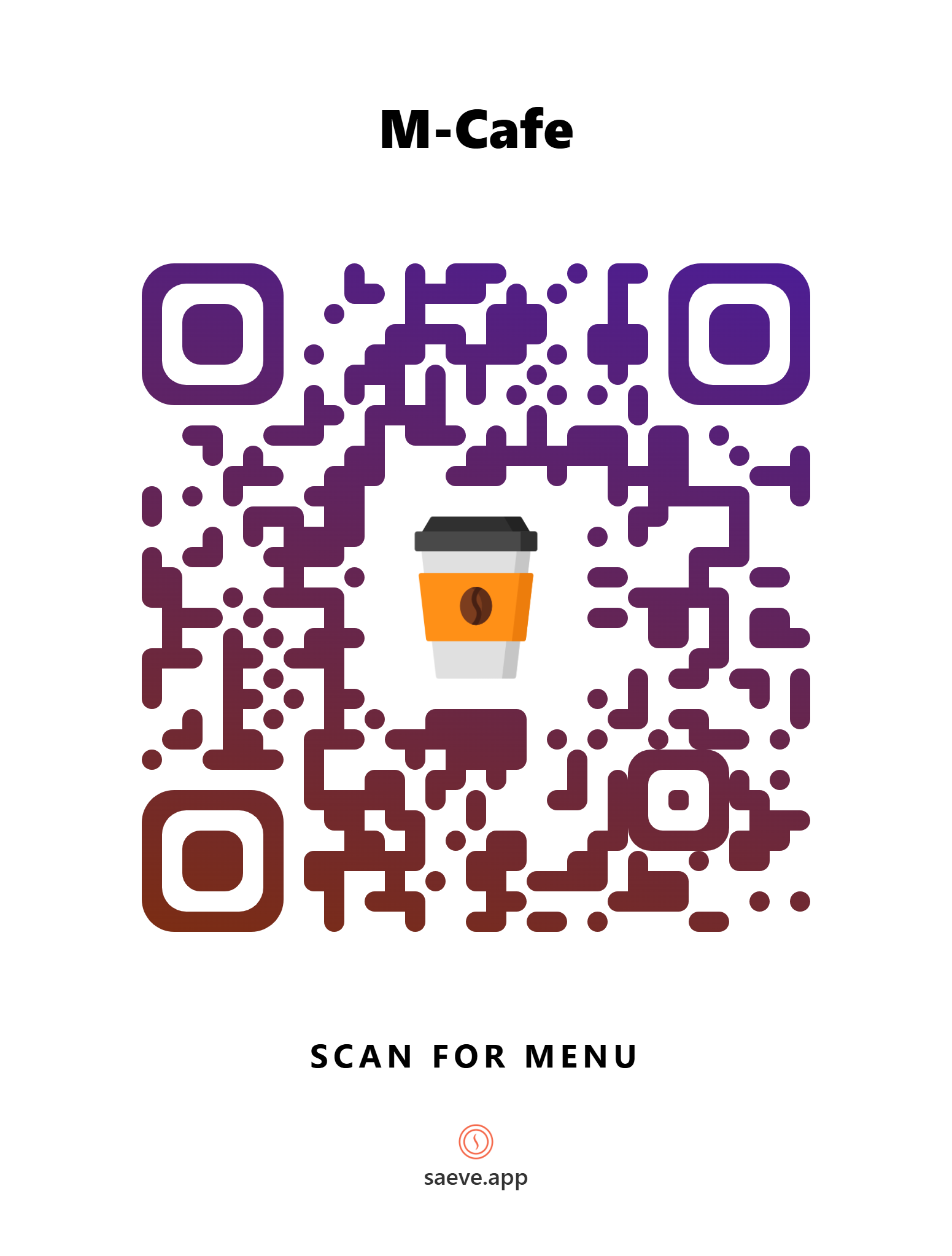
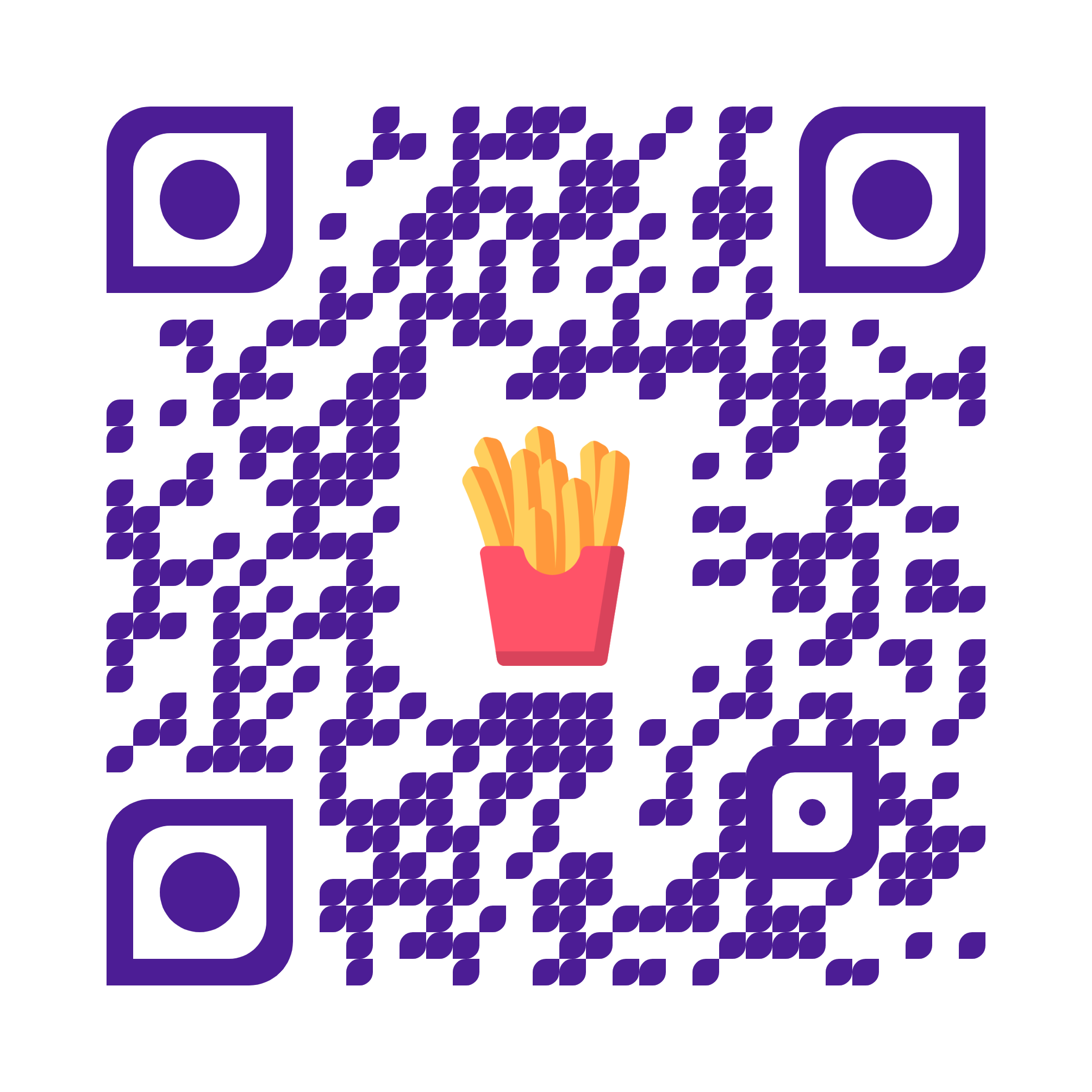
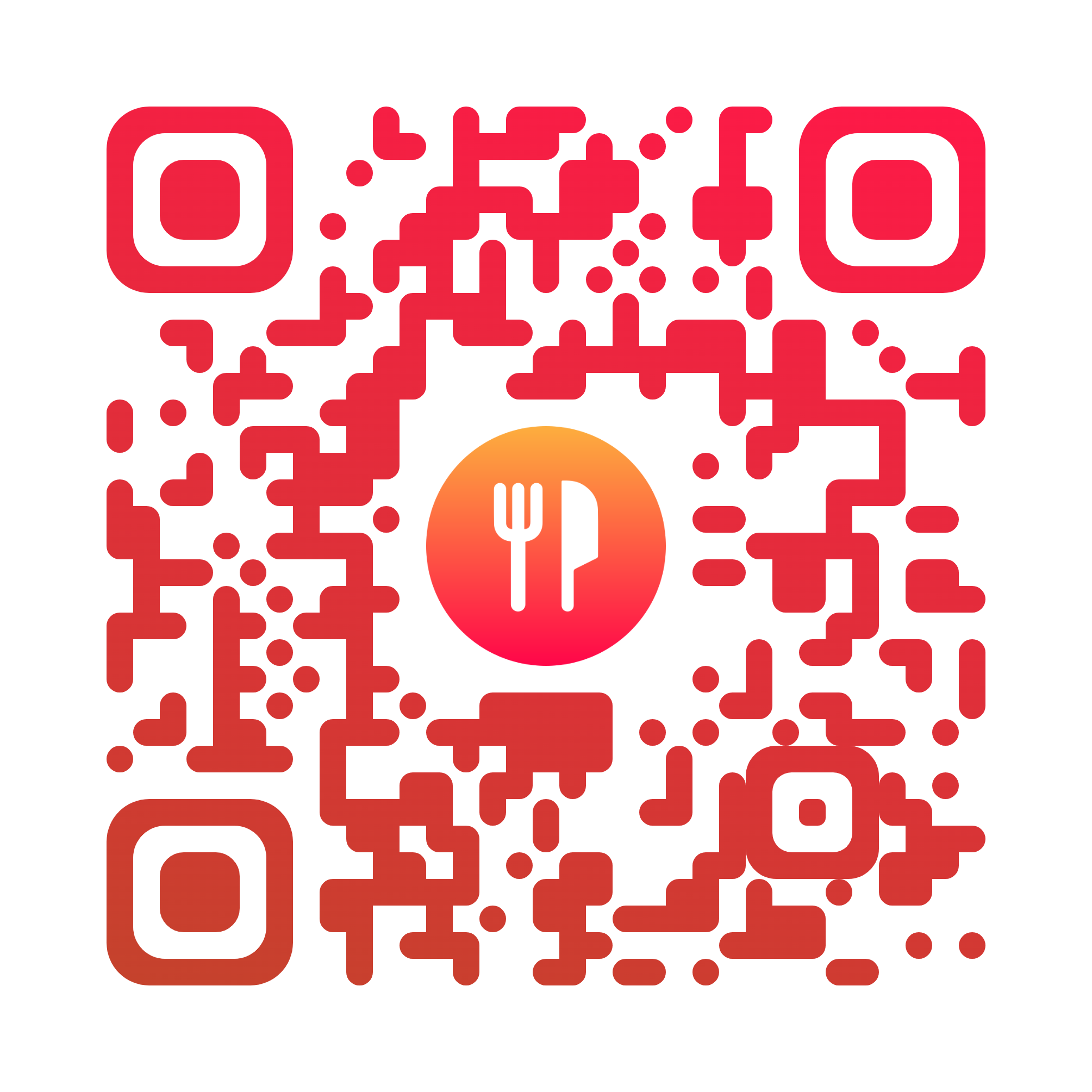
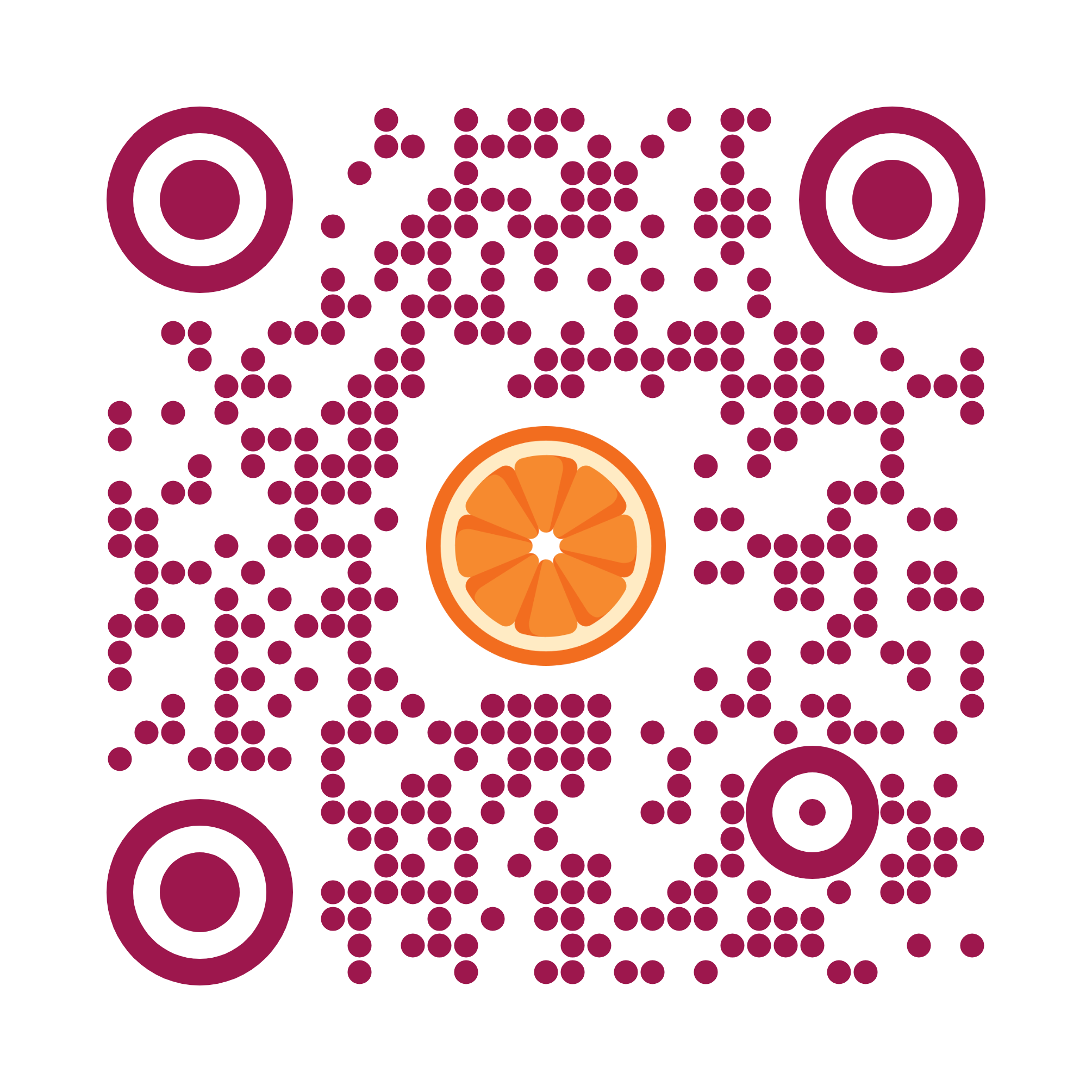
Colours, shapes and your logo in the middle — make the code look like it belongs to your restaurant, not like something a machine printed.
Pick a ready-made design and change the colour, or open the advanced controls and shape every part of the code yourself. Drop your logo in the centre and the code quietly strengthens itself so it still scans.
What your customers see
The public page has no chrome, no login and nothing to install. It is the whole reason a diner ever points a camera at your table.
No app, no store, no account. The camera opens a link and the menu is there — on a five-year-old Android as readily as on a new iPhone.
Photos, prices and labels in a single column, a sticky category bar to jump between sections, and a tap on any dish for the full description and the rest of its photos.
Opening hours, a WhatsApp button, your Instagram and a tappable address sit in the header. The ask for a review waits until the very bottom, after they have read the menu.
Closing for a refurbishment, or between seasons? Switch the restaurant off and the public menu stops resolving. Switch it back on and it returns exactly as it was.
Mobile app
Restaurant owners are not at a desk. The mobile app puts the whole menu editor on the phone that is already in your apron — free on iPhone and Android.
Everything you can do on the web, on the device you actually have on you. Sign in with the same account and your restaurants are already there — there is nothing to set up and nothing to sync. Prefer not to install anything? The web app works properly in a phone browser too, drag-to-reorder included.
Pricing
No card to get started, no trial clock, and no adverts on a menu your customers are reading.
$0one restaurant
The whole menu builder and the whole QR designer, for a single restaurant. Not a trial — this is the free plan.
Everything here works today
Custompriced to your group
For groups, franchises and anyone opening their second place. Tell us how many locations you run and we will work it out with you.
Everything in Free, plus
Questions
No. The camera app on any modern phone reads the code and opens a web page. There is no app, no sign-up and nothing between a diner and your menu.
Straight away. Save the change and the next person to open your menu sees the new price. The same goes for adding a dish, hiding a sold-out special and reordering your sections.
Yes. Choose a ready-made design and recolour it, or shape every part of the code yourself and drop your logo in the middle. Download it as a PNG or SVG, or as a print-ready A4 table tent or sticker sheet.
That is the AI import, and it is in development. You will upload a photo or a PDF of your existing menu and get back a draft — sections, dishes, descriptions and prices — that you check and publish. Until it lands, you add dishes through the editor.
Yes — there is a Saeve app on the App Store and on Google Play, and it is the full menu editor rather than a cut-down version. Sign in with the same account and your restaurants are already there. If you would rather not install anything, the web app is built for touch and works properly in a phone browser, dragging dishes into order included.
Every restaurant gets a short web address alongside its code, printed under the QR on the table tent and sticker layouts. It uses no vowels and none of the characters people misread, so it is quick to say out loud and hard to mistype.
Yes — one login, and each restaurant keeps its own menu, code, currency and settings. You pick which one you are working on before you edit anything, so you cannot change the wrong restaurant's prices by accident. Several restaurants sits on the custom plan.
Invite them by email and they get their own account with full access to that restaurant. If they had no account, one is created — you pass on the password, since we do not email them.
Yes. One switch takes the restaurant offline and the public menu stops resolving — useful for a refurbishment or a seasonal close. Switch it back on and it returns exactly as it was.
Not yet — and we would rather say so than show you a number we made up. Reporting is on the roadmap; everything else described on this page either works today or is marked as in development.
Contact
Reach us by email, phone, WhatsApp or Instagram — whichever you already have open. We answer all four.
Build your menu this afternoon, design a code you are proud to put on the table, and open the doors. Free for your first restaurant — no card, no contract, and nothing for your customers to install.