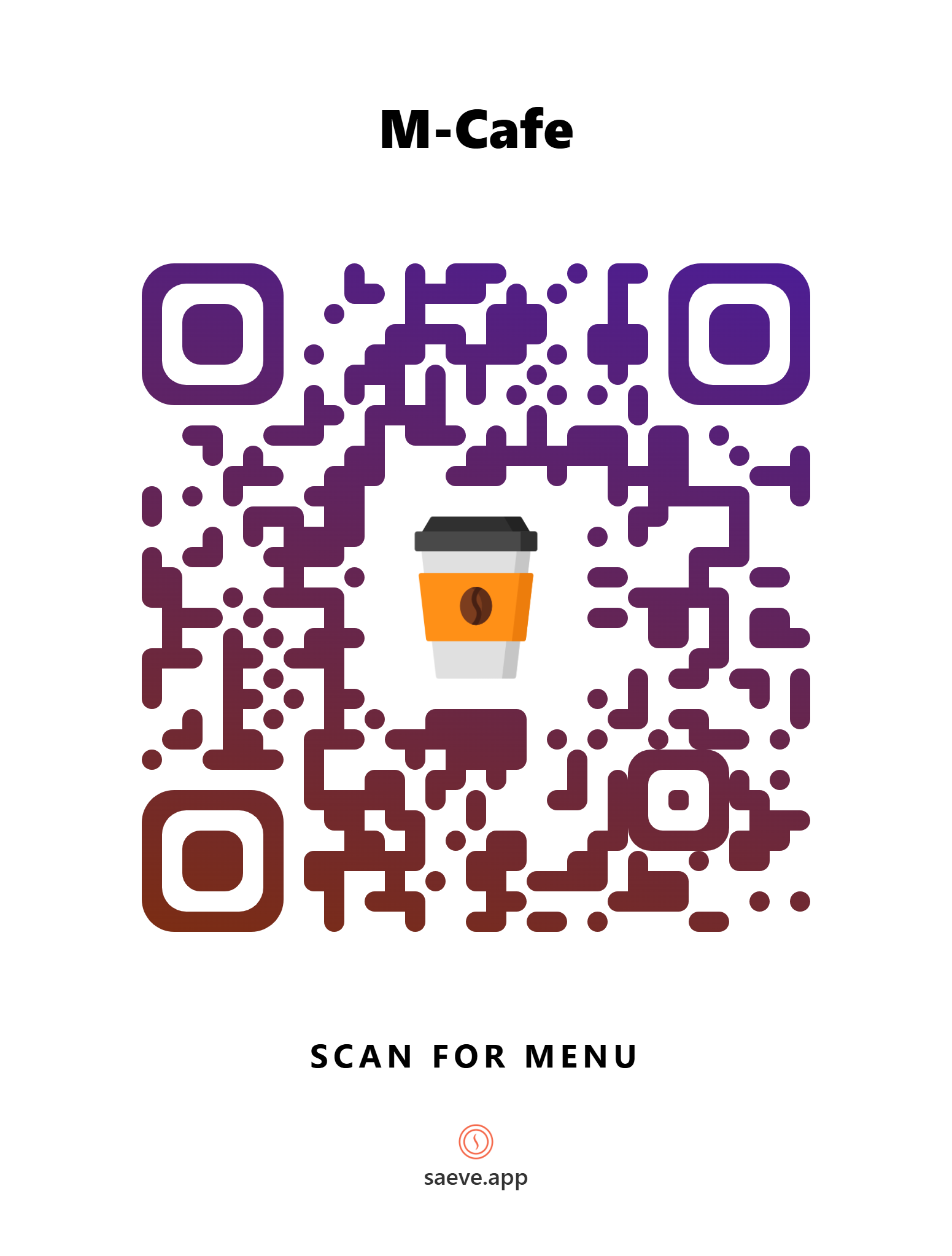
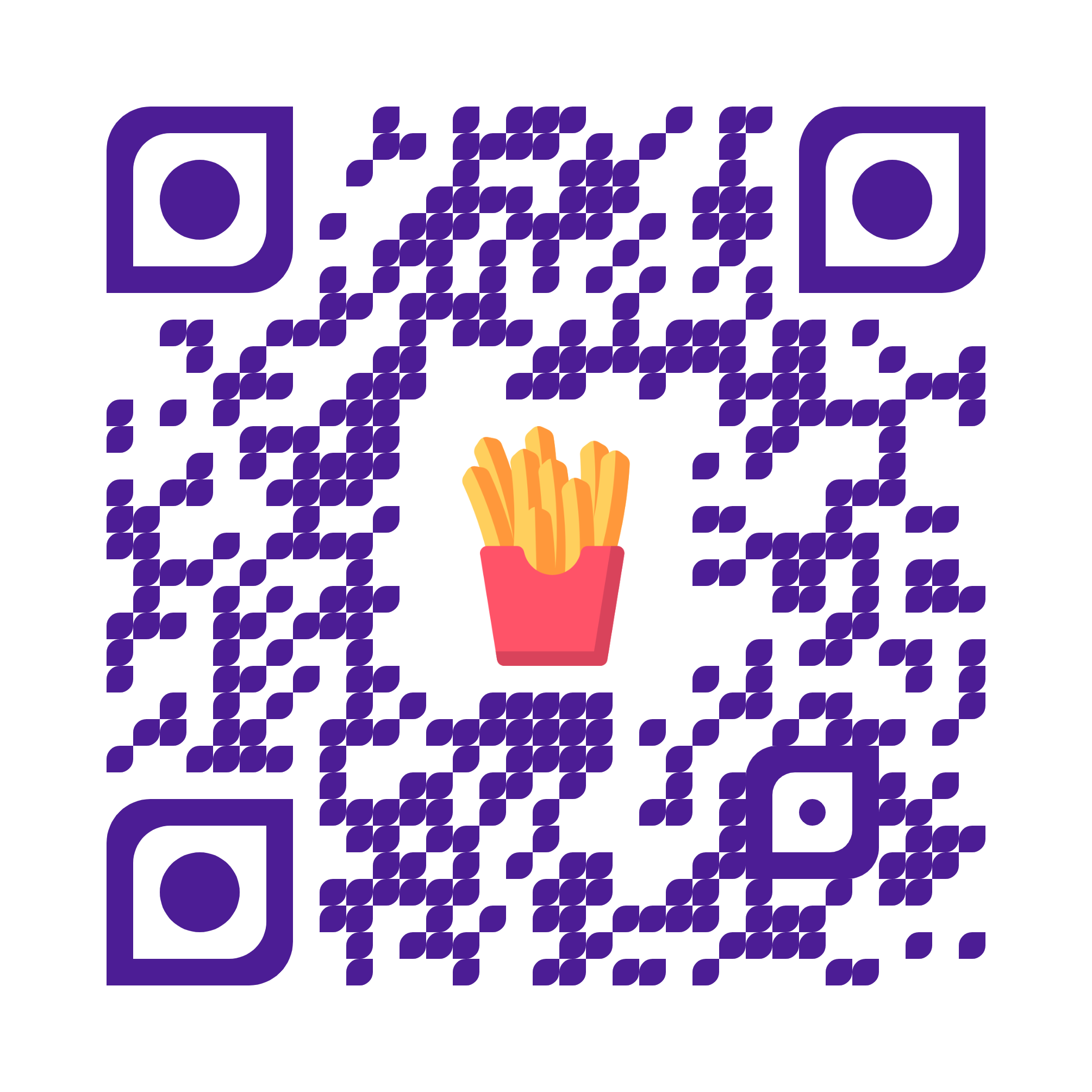
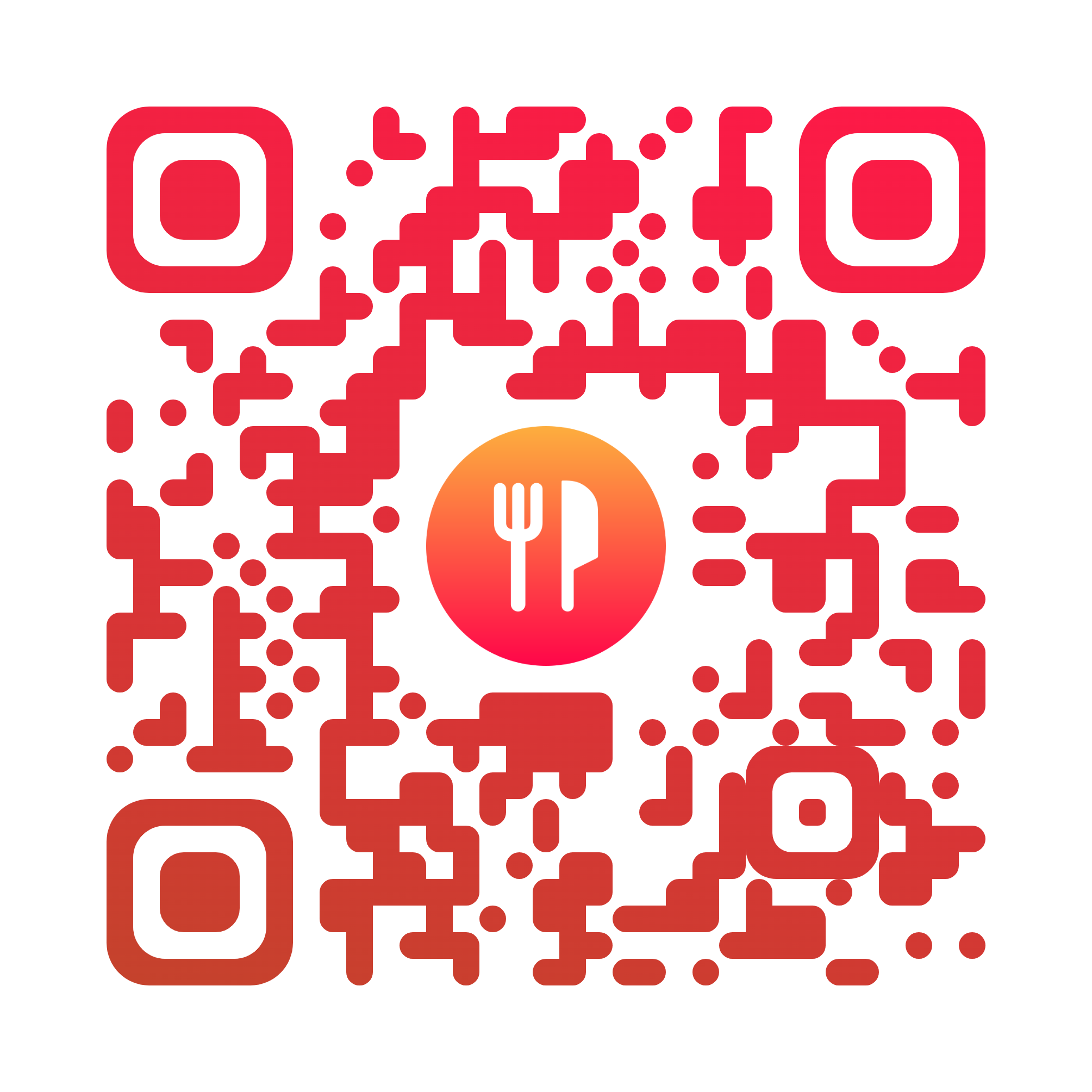
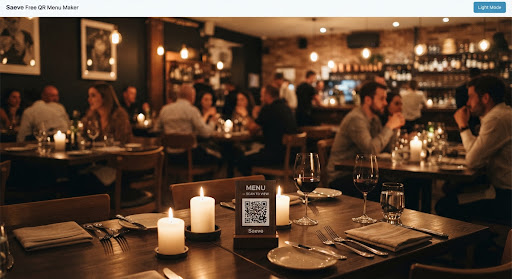
A QR menu maker turns your restaurant menu into a web page and gives you a QR code that opens it. Saeve does both in one place: you build the digital menu — categories, dishes, prices and photos — design the QR code, and print it for your tables. Diners scan it with their phone camera and the menu opens in their browser.
Yes, for one restaurant. The free plan is not a trial: unlimited categories, dishes and photos, the full QR code designer and every print layout, with no time limit and no card to sign up. Running several restaurants is on the custom plan.
Register your restaurant, add your categories and dishes, then open the QR screen to pick a design, set your colours and add your logo. Download it as a PNG, an SVG, an A4 table tent or a sticker sheet and put it on the table. Every change you save afterwards is live on the same code — nothing to reprint.
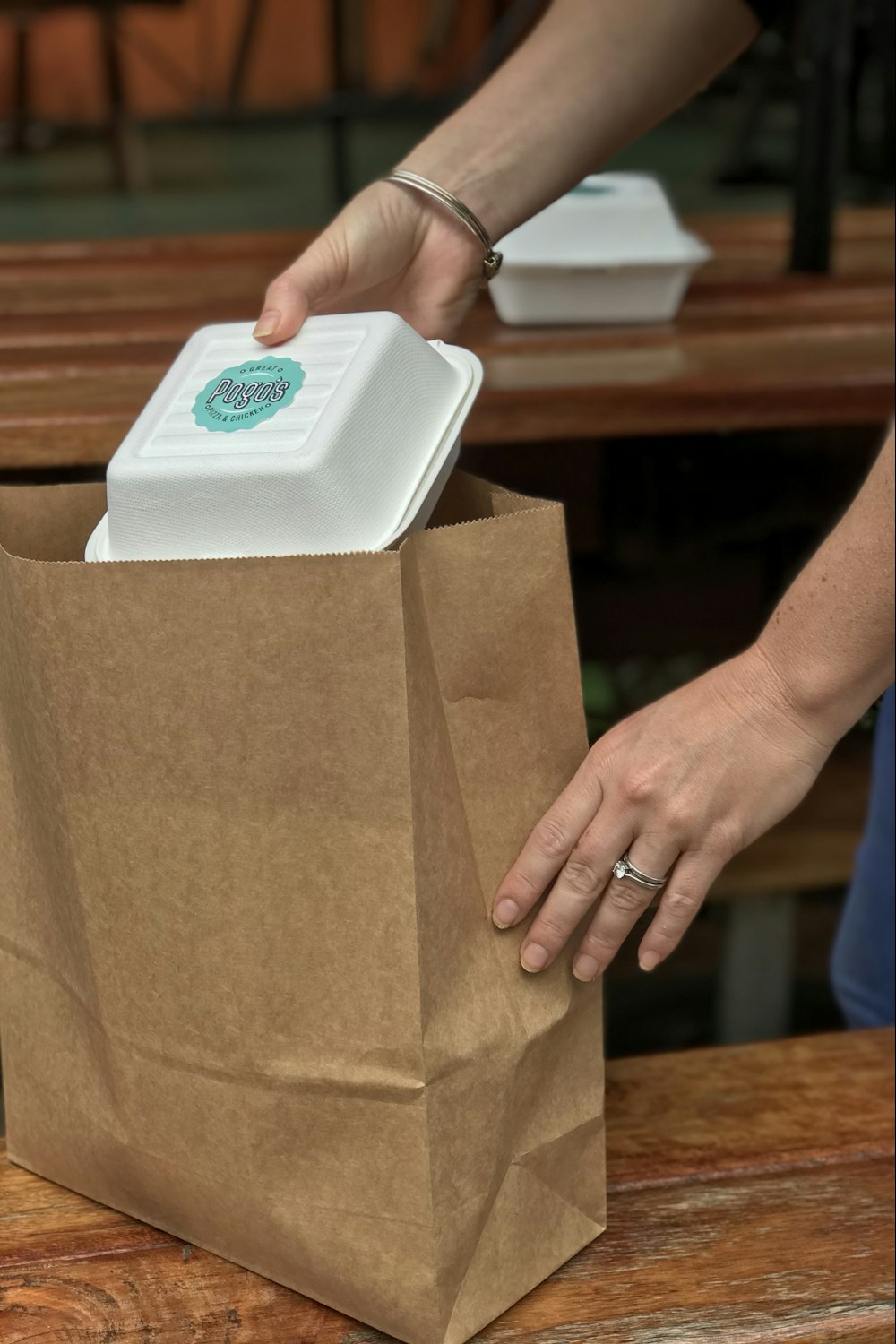
Yes. A cafe gets the same QR menu maker as a restaurant — add today's specials from a phone behind the counter and hide what has sold out without deleting it. A cloud kitchen has no tables, so the menu link goes in an Instagram bio, on WhatsApp, on flyers, or as a QR sticker on every delivery box.
No. The camera app on any modern phone reads the code and opens a web page. There is no app, no sign-up and nothing between a diner and your menu.
Straight away. Save the change and the next person to open your menu sees the new price. The same goes for adding a dish, hiding a sold-out special and reordering your sections.
Yes. Choose a ready-made design and recolour it, or shape every part of the code yourself and drop your logo in the middle. Download it as a PNG or SVG, or as a print-ready A4 table tent or sticker sheet.
Yes. Pick from more than a dozen ready-made designs — dark and gold, cream and serif, cobalt on white, bold red — and the colours, type and layout of your whole menu change with it. You can see your own menu in a design before you keep it, switching back is one click, and your dishes, prices and photos are untouched either way.
That is the AI import, and it is in development. You will upload a photo or a PDF of your existing menu and get back a draft — sections, dishes, descriptions and prices — that you check and publish. Until it lands, you add dishes through the editor.
Yes, on Android — the Saeve app is on Google Play now. Sign in with the same account and your restaurants are already there. The iPhone app is still in development; until it lands, the web app is built for touch and does the whole job in a phone browser, dragging dishes into order included. Thanks for your patience.
Yes — one login, and each restaurant keeps its own menu, code, currency and settings. You pick which one you are working on before you edit anything, so you cannot change the wrong restaurant's prices by accident. Several restaurants sits on the custom plan.
Invite them by email and they get their own account with full access to that restaurant. If they had no account, one is created — you pass on the password, since we do not email them.
Yes. One switch takes the restaurant offline and the public menu stops resolving — useful for a refurbishment or a seasonal close. Switch it back on and it returns exactly as it was.
Not yet — and we would rather say so than show you a number we made up. Reporting is on the roadmap; everything else described on this page either works today or is marked as in development.